

November 9, 2026 · 7 min read
Best Corporate Event Planning Websites in 2026
Compare corporate event planning websites in 2026 by budgets, vendors, attendee tracking, approvals and language support to choose well.
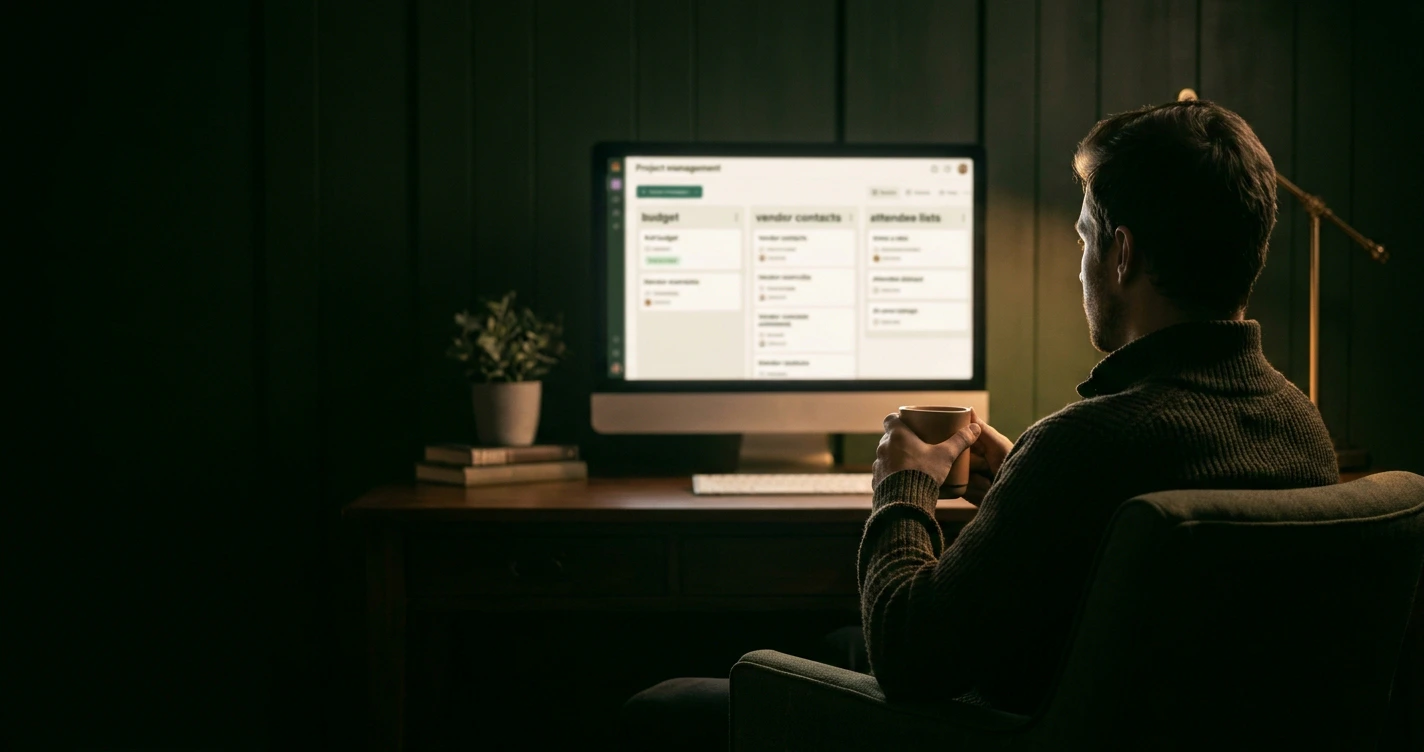
If you are comparing corporate event planning websites right now, the best one is whichever pulls your guest list, budget, vendors and tasks into a single shared workspace your whole team can open. That is the criterion that matters most, because a company event falls apart at the seams where tools do not connect, not where any single feature is weak.
The market around you is moving fast. According to American Express Global Business Travel's 2026 Global Meetings and Events Forecast, 85 percent of meeting professionals feel optimistic about events in 2026, the highest level since 2021, as reported by Hotel News Resource. More events means more coordination, and that is exactly where the right website earns its keep.
This guide walks through what separates these platforms, how to compare them on the features that decide company events, and how to build a shortlist that fits your team.
The hunt for one place to run a whole company event
Most coordinators start with a spreadsheet, an email thread and a calendar invite, then watch all three drift out of sync by week two. The real job of a corporate event planning website is to end that drift by keeping every moving part in one record everyone trusts.
Think about a single offsite. You are tracking a headcount that keeps changing, a budget that creeps, a dozen vendor contacts, a room layout and a run of tasks with deadlines. Any one of those is manageable alone. The failure mode is the handoff between them, when the budget lives in finance's sheet and the guest count lives in your inbox.
A good platform collapses that gap. Wdplan, for example, keeps guest lists and RSVPs, budgets, tasks and calendars, vendor management, seating and notes in one place, so a change to the headcount updates the number everyone is planning against. That single source of truth is worth more than any individual feature, because it removes the question of which version is current.

What sets corporate event planning websites apart
Consumer party tools and corporate platforms look similar on a feature list, but they diverge on scale and accountability. A corporate tool has to handle a larger headcount, a defendable budget and more than one person touching the plan.
Three differences matter most when you compare options:
- Scale of the guest and attendee list. A company conference can run into the hundreds, so the tool needs to manage a large list without slowing down or losing track of RSVPs.
- Budget rigour. You will likely report spend to someone, so you need a budget planner that tracks estimates against actuals, not a single total box.
- Shared access and roles. Company events rarely have one owner. The platform has to let several people work in the same plan, which consumer tools often do not.
Technology is now the default for this work, not the exception. The same Amex GBT forecast found that 50 percent of meeting planners already use AI tools across event planning and execution, a signal that the baseline for these platforms keeps rising. If you are choosing a provider in 2026, you are choosing a tool that your peers already expect to be capable.
For a deeper walk through evaluation criteria, our buyer's guide to choosing corporate event software covers the trade-offs in more detail.
Comparing features for budgets, vendors, and attendee tracking
Judge every candidate on three practical jobs, because these are the ones that sink a corporate event when they go wrong.
Budgets. You want line items, not a lump sum. A proper event budget planner lets you set an estimate per category, log what you actually spend, and see the running gap. That matters in 2026 especially, since 71 percent of meeting professionals expect the cost per attendee to rise this year, per the Amex GBT forecast. A tool that shows overspend early gives you room to adjust before the bill lands.
Vendors. A company event might involve a venue, a caterer, an AV team and a transport provider, each with a contact, a quote and a deadline. Vendor management in one place keeps those threads from scattering across inboxes, so you always know who owes you what and when.
Attendee tracking. An online guest list manager with RSVP tracking is the backbone of the headcount. You need to see who is invited, who replied, who declined and who has not answered, because almost every downstream decision, from catering to seating, depends on an accurate number.

Seating deserves a mention here too. A drag-and-drop seating chart turns a stressful puzzle into a few minutes of arranging, which is useful for gala dinners, award nights and anything with assigned tables.
Collaboration and approvals for bigger teams
The moment more than one person touches an event, the question stops being "what can this tool do" and becomes "who is allowed to do it." That is where team-ready platforms separate from single-user ones.
Ask three questions of any shortlist candidate:
- Can several coordinators work in the same plan at once without overwriting each other?
- Can the right people see the budget while others only see tasks or the guest list?
- Can you run more than one event at a time, so a conference and a holiday party do not compete for the same workspace?
Approvals are the quiet differentiator. A manager signing off on a budget, a lead confirming the vendor shortlist, a finance contact reviewing the final spend: these handoffs need a shared view, not a forwarded screenshot. Platforms built for teams, including Wdplan's membership that covers up to 15 active plans, assume several people and several events rather than one host and one party.
If your calendar includes recurring internal events, pairing the right tool with a repeatable process helps. Our guide on how to plan a holiday office party shows how the same workspace handles a seasonal event without starting from scratch.
Pricing and language support for international offices
Price these tools by how often you actually run events, because the cheapest option on paper can be the wrong shape for your year. Two models dominate.
A one-off project fee suits a team that runs a single flagship event, like an annual conference. You pay once, plan the event, and you are done. Wdplan offers this at a one-off 13.00 euro for a single event, which is sensible when you do not need a standing subscription.
A monthly membership fits teams running events across the year. Wdplan's membership is 45.00 euro per month and covers up to 15 active plans, which works when a conference, a team offsite and a holiday party might all be live at once. Match the model to your cadence, not to the headline number.
Language support is the detail international offices overlook until it bites. A tool only helps if every coordinator can use it in a language they work in. Wdplan runs in English, Greek, French and German, which keeps a team spread across European offices working in one system rather than exporting data between separate tools.
A shortlist to match your company's needs
Build your shortlist by matching the tool to your reality, not to a feature count. Use this quick sort:
- One big event a year. Choose a tool with a one-off fee, strong budget and attendee tracking, and no subscription you will forget to cancel.
- Events all year round. Choose a monthly plan that allows several active plans at once and clear shared access for your team.
- Teams across countries. Prioritise a multilingual interface and shared roles, so no one is locked out by language or permissions.
- Mixed event types. Confirm the same workspace handles a formal conference and a casual office party, including seating and vendor tools, so you are not learning a new system each quarter.
Across all four cases, the common thread is consolidation: guest list, budget, vendors, tasks and seating in one place your team can open together. That is what turns a stressful company event into a managed one.
Your next step is simple: pick one event on your calendar, open a fresh plan, and move your guest list and budget into it this week. Seeing a real event in a single workspace tells you more in an afternoon than any feature comparison can, and it is the fastest way to know whether a platform fits your company before you commit the whole year to it.