

October 30, 2026
Best Seating Chart Tools for Weddings and Parties
What to look for in a seating chart tool How the top options handle drag-and-drop layouts and table limits Pairing seating with your guest list so changes stay in sync
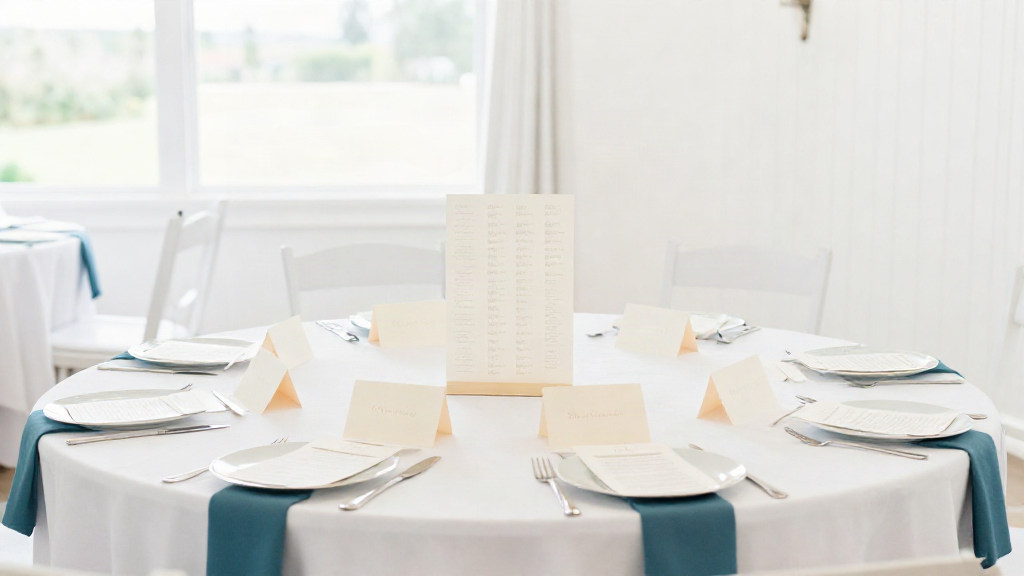
Best Seating Chart Tools for Weddings and Parties
Somewhere between the guest list and the floor plan, a seating chart stops being a spreadsheet and becomes a small puzzle with real people in it. Aunt Rosa can't sit near the speakers. Two friends aren't speaking. Your college group wants one long table, not two rounds.
The right tool doesn't solve those human questions for you. It just holds them calmly in one place, so you can move a name, see the whole room shift, and stop re-doing the same work three times. That's what separates the best seating chart tools from a printout and a pencil.
Here's what to look for, how the main kinds of tools handle the hard parts, and how to keep your seating in sync with everything else.
Start with what a seating chart tool actually has to do
Before you compare features, know the job. A seating chart tool has three real tasks:
- Place guests at tables without losing track. Every person should be somewhere, and you should be able to see who is still unplaced at a glance.
- Absorb changes gracefully. A decline, a plus-one, a last-minute cousin. Moving one name shouldn't mean rebuilding the room.
- Match your floor plan. Round tables, long tables, a mix. The tool should reflect the space you actually have.
If a tool does those three things without making you fight it, it's already ahead of most.
What to look for in a seating chart tool
A few signals separate a tool you'll enjoy using from one you'll abandon at 11 p.m. the night before.
Drag-and-drop that feels immediate
Good drag-and-drop is quiet and instant. You pick a name, drop it on a table, and the tool updates seat counts and open spots without a page reload or a pop-up. You should be able to rearrange a whole table in seconds.
Watch for tools that make you type seat numbers by hand, or that reset your view every time you move someone. That friction adds up fast when you're placing 120 guests.
Table limits that match real rooms
Check how the tool handles table size. Can you set a table to seat eight, ten, or twelve? Can you mix rounds and rectangles on the same plan? Some rooms need a head table, a kids' table, and a cluster of rounds - a good tool lets all of that coexist.
Also look at how it warns you. A gentle "this table is full" beats a silent overflow you only discover on the day.
A clear view of who's still unplaced
The guest list is the source of truth. Your tool should always be able to answer: who isn't seated yet? A running "unplaced" count saves you from the sinking feeling that someone got missed.
Grouping that respects relationships
Families, couples, and friend groups should move together when you want them to. The best tools let you seat a household as a unit, then break it apart when one person needs to sit elsewhere.
Sharing and locking
At some point you'll want a second opinion, or you'll want to stop fiddling. Look for options to share a read-only view with a partner or planner, and a way to lock the chart once it's final.
How the main kinds of tools handle layouts and limits
Seating tools come in a few broad shapes, and each handles drag-and-drop and table limits differently.
All-in-one event platforms. These put seating alongside your guest list, budget, tasks, and vendors in one place. The big advantage is sync: when a guest declines, the seating chart already knows. Drag-and-drop is usually built for speed, and table limits are configurable, because the same room has to support rounds, longs, and head tables. This is where WeDoPlan sits - your seating chart isn't a separate file, it's the same event you're already planning, so changes to the guest list flow straight through.
Dedicated seating chart apps. Single-purpose tools that focus tightly on the chart itself. They often have lovely floor-plan builders and quick drag-and-drop, but they usually ask you to import or re-enter your guest list, and they don't know when someone RSVPs.
Design and diagram tools. General tools that let you draw anything, including a seating plan. Flexible and familiar, but you're the engine: counts, limits, and changes are all manual, and a name moved in the diagram doesn't move anywhere else.
Spreadsheets. Still the fallback for many people. Fine for small events, painful past fifty guests, and impossible to see as a room.
The pattern is simple. The more your seating tool knows about your guest list, the less you have to redo by hand.
Pairing seating with your guest list so changes stay in sync
This is the part that quietly decides whether your chart survives the final weeks.
When seating lives inside your guest list, one update ripples everywhere. A decline frees a seat. A new plus-one shows up as unplaced. A table that drops below its minimum is easy to spot. You're making one change, not three.
When seating lives somewhere else, every guest-list change becomes a manual reconciliation. That's the work that turns a pleasant task into a chore.
So the question to ask of any tool is not just "can it draw a chart?" It's "does it already know my guests?"
A calm way to choose
For a small gathering, almost anything works. For a wedding or a party where the guest list keeps moving, choose a tool where the seating chart and the guest list are the same living thing.
Look for instant drag-and-drop, table sizes that match your real room, a clear view of who's still unplaced, and genuine sync with your list.
Make the plan. Then put it down and enjoy the room you built.