

October 5, 2026 · 7 min read
Best Tools to Plan a Corporate Event Online
Compare corporate event planning tools on registration, budget, and vendor features, and learn how to pick the right software for your team.

If you are comparing corporate event planning tools right now, judge them by one question first: can a single platform run your registration, budget, and vendor coordination without a second app bolted on? That consolidation is what separates software that saves you time from software that just adds another login. The rest of this guide walks through the features that matter, how all-in-one platforms stack up against single-purpose apps, and how to pick based on your event size and team.
Corporate events are a serious line item, and the tooling has grown up to match. In 2026, 50% of meeting planners now use AI to help plan and execute events, according to the American Express GBT 2026 Global Meetings and Events Forecast, as compiled by Cvent. The tools have more power than ever, which makes choosing the right one a real decision rather than a formality.
What to Look for in Corporate Event Planning Tools
Start with consolidation, because the biggest hidden cost of corporate event planning tools is the work of moving data between them. In 2026, 89% of businesses that use event technology say it saves them around 200 hours per year, per Research Nester, reported in the Cvent event statistics compilation (2026). Most of those hours come from not re-keying the same guest, vendor, and budget details into three different apps.
Your shortlist criteria should be concrete. Look for a tool that handles the guest list and RSVPs, tracks the budget against real numbers, holds your tasks and calendar in one view, and keeps vendor contacts and contracts attached to the event they belong to.
Then test it against your actual event, not a demo script. A free trial that lets you build a sample event tells you more in ten minutes than a feature grid does in an hour, because you see whether the workflow matches how your team already thinks.
Registration and Attendee Management Features That Matter
Registration is the feature that makes or breaks a corporate event, because every downstream number depends on an accurate headcount. On average, 57% of webinar registrations convert to attendees, according to On24, as reported in the Cvent 2026 statistics compilation. That gap between who signs up and who shows means your tool has to track both states, not just a single sign-up count.
Good attendee management covers a short, specific list:
- Online RSVP collection that updates the headcount automatically, so you are never counting replies by hand.
- Plus-one and dietary tracking, since catering and seating both depend on it.
- Status at a glance, separating invited, confirmed, declined, and attended.
- Guest segmentation, so you can filter VIPs, speakers, and staff without a separate list.
- Export and reporting, so the final numbers feed your post-event review.
A tool that turns RSVPs into a live, filterable guest list saves the coordinator from the spreadsheet juggling that usually eats the week before an event. The same mechanics that power a tight wedding guest list apply directly to a conference roster: one list, live status, no duplicate copies.
Budget Tracking and Vendor Coordination in One Tool
Keep your budget and your vendors in the same place as your guest list, because splitting them across apps is where corporate events quietly overspend. Events clearly earn their keep: 52% of marketers attribute at least half of their companies' closed-won deals to their events, per the Splash Event Outlook Report 2025, cited in the same Cvent compilation. A budget worth that return deserves tracking tighter than a shared sheet.
A strong tool links each cost to the vendor behind it, so the catering line and the caterer's contact live together. When a quote changes, you update one record and the budget total reflects it, instead of hunting through email threads for the latest figure.
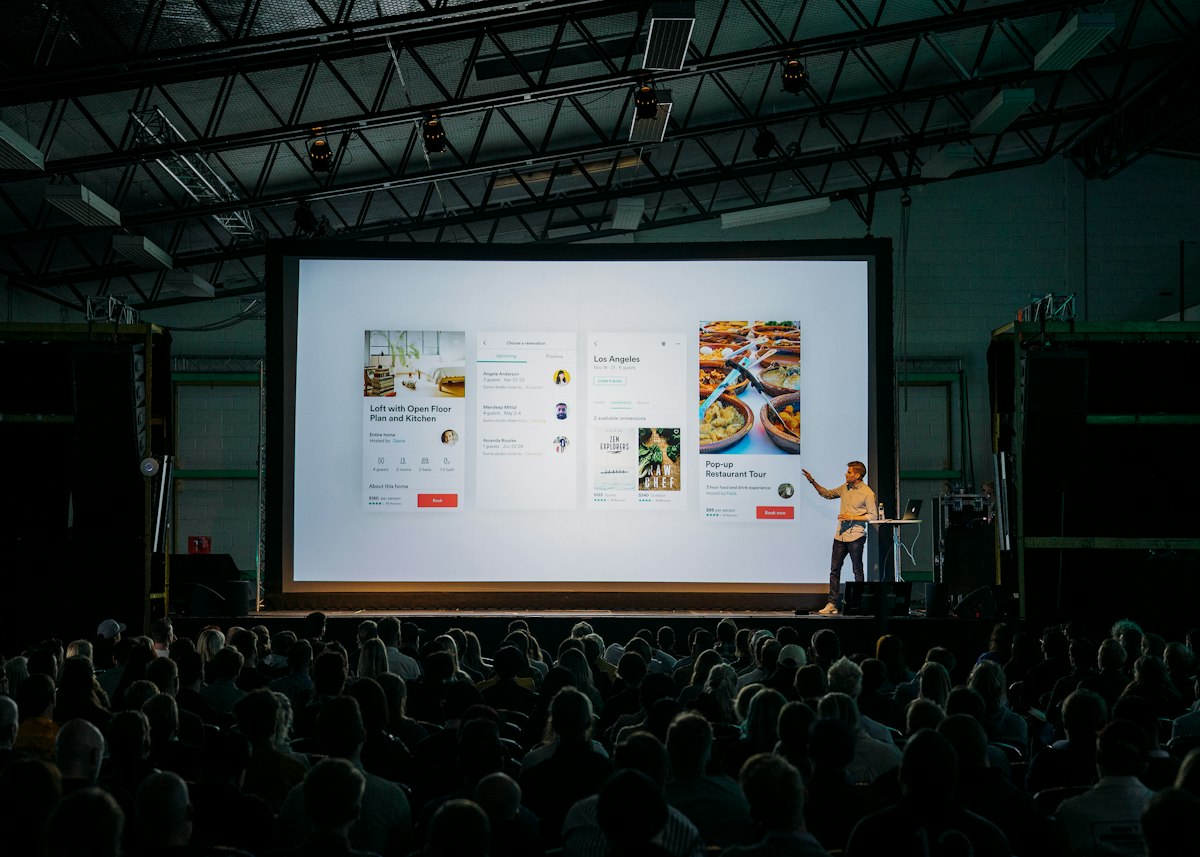
Vendor coordination also benefits from shared visibility. When your team can see which supplier is confirmed, which deposit is paid, and which task is still open, nobody double-books a vendor or assumes a colleague handled the deposit. That single source of truth is the whole point of planning online rather than over scattered messages.
Comparing All-in-One Platforms vs Single-Purpose Apps
Choose an all-in-one platform when your event has more than two moving parts, and reserve single-purpose apps for the one job they do better than anyone. The difference comes down to handoffs: every time data crosses from one app to another, someone has to copy it, and every copy is a chance to work from a stale version.
Single-purpose apps have real strengths. A dedicated registration platform may offer deeper form logic, and a standalone budgeting app may handle complex approvals better. The trade-off is integration work, since your guest numbers, spend, and tasks now live in separate systems your team has to reconcile by hand.
All-in-one platforms win on coherence. Your headcount feeds your catering budget, your vendor list feeds your task deadlines, and your calendar reflects all of it without a sync. For a fuller side-by-side on this choice, our comparison of all-in-one event planning tools breaks down where each approach fits.
The practical rule: count your event's distinct jobs. If you are tracking a guest list, a budget, tasks, and vendors at once, the handoff tax of separate apps usually outweighs any single app's depth.
Why WeDoPlan Works for Corporate Planners Too
WeDoPlan handles corporate events with the same toolset it brings to weddings and parties, so a conference and a product launch run on one workspace rather than a stack of subscriptions. It covers guest lists and RSVPs, budgets, tasks and calendars, vendor management, drag-and-drop seating charts, moodboards, and notes, all in one place.
That breadth matters for corporate planners because an office offsite, a client dinner, and an annual conference share the same bones: a list of people, a budget, a set of tasks, and a roster of suppliers. WeDoPlan treats those as the core of any event, which is why it fits corporate work without a separate product.
Pricing stays simple, which helps when you are justifying a tool to finance. WeDoPlan is a one-off 13.00 euro for a single event, or a 45.00 euro per month membership covering up to 15 active plans, plus pro tools for professional planners juggling multiple clients. A free sample event lets you test the full workflow before you spend anything, and the app runs in English, Greek, French, and German for teams planning across borders.
How to Choose Based on Event Size and Team Needs
Match the tool to your event's size and your team's structure, because a 40-person workshop and a 400-person conference stress software in different ways. Small internal events may run fine on a tool's core guest list and budget, while large multi-day events lean harder on seating charts, segmented guest lists, and shared task ownership across a bigger team.
Size the decision with a few questions:
- How many guests? Under 50, you need clean RSVP tracking. Over 200, you need segmentation, seating, and reporting that scale.
- How many people plan it? A solo coordinator values a single clear view. A team needs shared access so nobody works from an old copy.
- How many events at once? One a year favours a per-event price. A rolling calendar of events favours a membership covering multiple active plans.
- How complex are the vendors? A single caterer is easy anywhere. A dozen suppliers need vendor records tied to the budget.
If you run events regularly, pick a tool that holds several plans at once so your process carries from one event to the next instead of resetting each time. For the wider workflow around a corporate programme, our complete corporate event planning guide covers the stages a tool should support.
The fastest way to decide is to build your next event in a free trial and see whether the registration, budget, and vendor views hold up under your real numbers. Start a sample event in WeDoPlan, run your guest list and budget through it once, and you will know within an afternoon whether it fits your team.